
Best Video Editing Laptops Under $1000 for 2024
Introduction
Finding a powerful laptop for video editing under $1000 can be challenging but not impossible. For video editors, combining performance with affordability is key. The aim of this guide is to shed light on the most reliable laptop choices for video editing in 2024 that won’t break the bank. From core features to top selections, this article will equip you with the information needed to make a smart purchasing decision, ensuring you get both quality and value.
Key Features to Consider in Video Editing Laptops
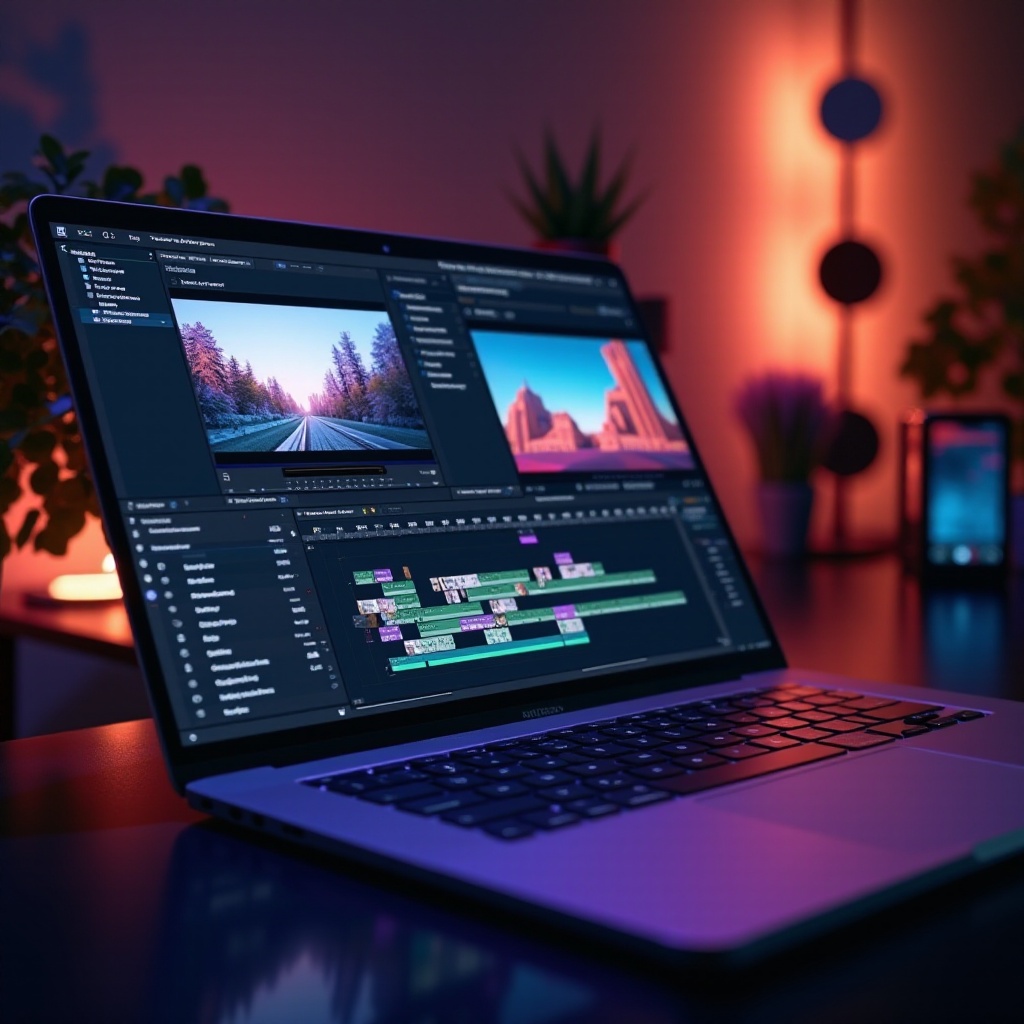
Choosing the right laptop starts with understanding what makes for solid video editing performance. Let’s delve deeper into the crucial features:
-
Processor and Graphics: A strong CPU and dedicated GPU are non-negotiable for video editing tasks. A laptop powered by an Intel Core i5 or AMD Ryzen 5, alongside dedicated graphics such as an NVIDIA GeForce GTX or AMD Radeon, will handle complex editing software effectively.
-
RAM and Storage: At least 16GB of RAM is recommended to smoothly run multiple applications. Additionally, opting for a 512GB SSD over an HDD will improve speed in data access and system operations, crucial for managing large video files.
-
Display Quality: A quality display ensures precision in editing. Aim for a Full HD resolution or better with an IPS panel for superior color accuracy and wider viewing angles.
With these features in focus, we transition to examining specific laptop models that match these criteria in 2024, ensuring a blend of performance excellence and budget friendliness.
Top Video Editing Laptops Under $1000 in 2024
Navigating the range of laptops available, the following are standout models that meet the mark for video editing under $1000:
-
Performance Pick: Dell Inspiron 15
The Dell Inspiron 15 stands out with an Intel Core i7 processor coupled with NVIDIA GTX 1650 graphics, offering a potent combination for video tasks. Its 16GB RAM and 512GB SSD ensure substantial capacity and fast operations, while its 15.6-inch Full HD display delivers accurate visuals. -
Best Value: Acer Aspire 5
The Acer Aspire 5 is celebrated for delivering good performance at a reduced price. Featuring an AMD Ryzen 7 and Radeon Vega 8 graphics, along with 16GB RAM and a 512GB SSD, it balances cost and capability. A Full HD IPS display also ensures excellent image quality. -
Most Portable: ASUS ZenBook 14
ASUS ZenBook 14 is ideal for editors needing portability without compromising on performance. It is equipped with an Intel Core i5, NVIDIA MX250 graphics, 16GB of RAM, and a 512GB SSD. The 14-inch Full HD NanoEdge display maximizes space and is perfect for editing on the go.
These laptops are not only high performers but also accessible financially, catering to diverse editing needs and preferences. For a clearer picture, compare these models side by side.
Comparison of Top Models
Here’s a simplified comparison chart of these laptops to aid in your selection:
| Model | Processor | GPU | RAM | Storage | Display | ||
| Dell Inspiron 15 | Intel Core i7 | NVIDIA GTX 1650 | 16GB | 512GB | 15.6′ Full HD IPS | ||
| Acer Aspire 5 | AMD Ryzen 7 | Radeon Vega 8 | 16GB | 512GB | 15.6′ Full HD IPS | ||
| ASUS ZenBook 14 | Intel Core i5 | NVIDIA MX250 | 16GB | 512GB | 14′ Full HD IPS |
This comparison lays out the primary specifications to help identify the most suitable laptop according to your specific requirements. However, specifications aren’t everything. There are other key considerations to take into account when making your decision.
Additional Considerations When Buying a Laptop
Beyond specs, the usability and convenience of a laptop also matter greatly:
-
Software Compatibility: Ensure the laptop supports your preferred video editing software—whether it’s Adobe Premiere Pro, DaVinci Resolve, or others—by confirming compatibility with drivers and features.
-
Battery Life and Portability: Editors often require flexibility to work from varied locations. All recommended models boast reasonable battery life and portability, ensuring you can edit efficiently from anywhere.
Understanding these aspects will guide you in selecting a laptop that not only satisfies your editing demands but also complements your lifestyle. Now, let’s discuss where to find the best deals and maximize your investment.
Where to Find the Best Deals
To secure a high-performing laptop within your budget, consider these strategies:
- Retailers and Online Platforms: Explore well-known retailers like Amazon, Best Buy, or Newegg. Their platforms often provide filters and sorting options that help narrow down laptops based on your criteria.
- Manufacturer Websites: Monitor deals directly from manufacturers, as they may offer discounts on refurbished models or package deals.
- Coupons and Rebates: Use platforms like Honey or RetailMeNot to hunt for coupons and rebates, helping to trim costs further.
- Seasonal Sales: Black Friday, Cyber Monday, and back-to-school sales are perfect opportunities to find bargains on laptops.
Well-informed shopping can lead to securing a top-notch video editing laptop at an appealing price. As we conclude, let’s recap the essentials.
Conclusion
Finding a high-performance laptop for video editing under $1000 is feasible with informed choices. The Dell Inspiron 15, Acer Aspire 5, and ASUS ZenBook 14 are prime examples that offer powerful specs suitable for both budding and professional editors. Carefully evaluate your requirements against these models to ensure a purchase that enhances your video editing experience with speed, clarity, and ease. Your ideal editing companion is just a wise choice away.
Frequently Asked Questions
What specs are most important for a video editing laptop?
The key specifications include a strong processor, a dedicated GPU, at least 16GB of RAM, and SSD storage for a seamless performance.
Can I upgrade the RAM and storage on these laptops?
Many budget laptops offer the option to upgrade components. Check the manufacturer’s specifications for details on RAM and storage upgradability.
Are these laptops only suitable for beginners, or can professionals use them too?
These models cater to both beginners and professionals, offering efficient performance and portability without a hefty price tag.