
How to Synchronize Earbuds Efficiently
Introduction
Managing the task of syncing earbuds can revolutionize your listening experience, making it seamless and efficient. Whether you use them for your blended work and leisure life, or for special moments of solitude, proper synchronization is crucial. In this guide, we delve into why synchronization matters and how you can achieve it effortlessly.
Different Types of Earbuds
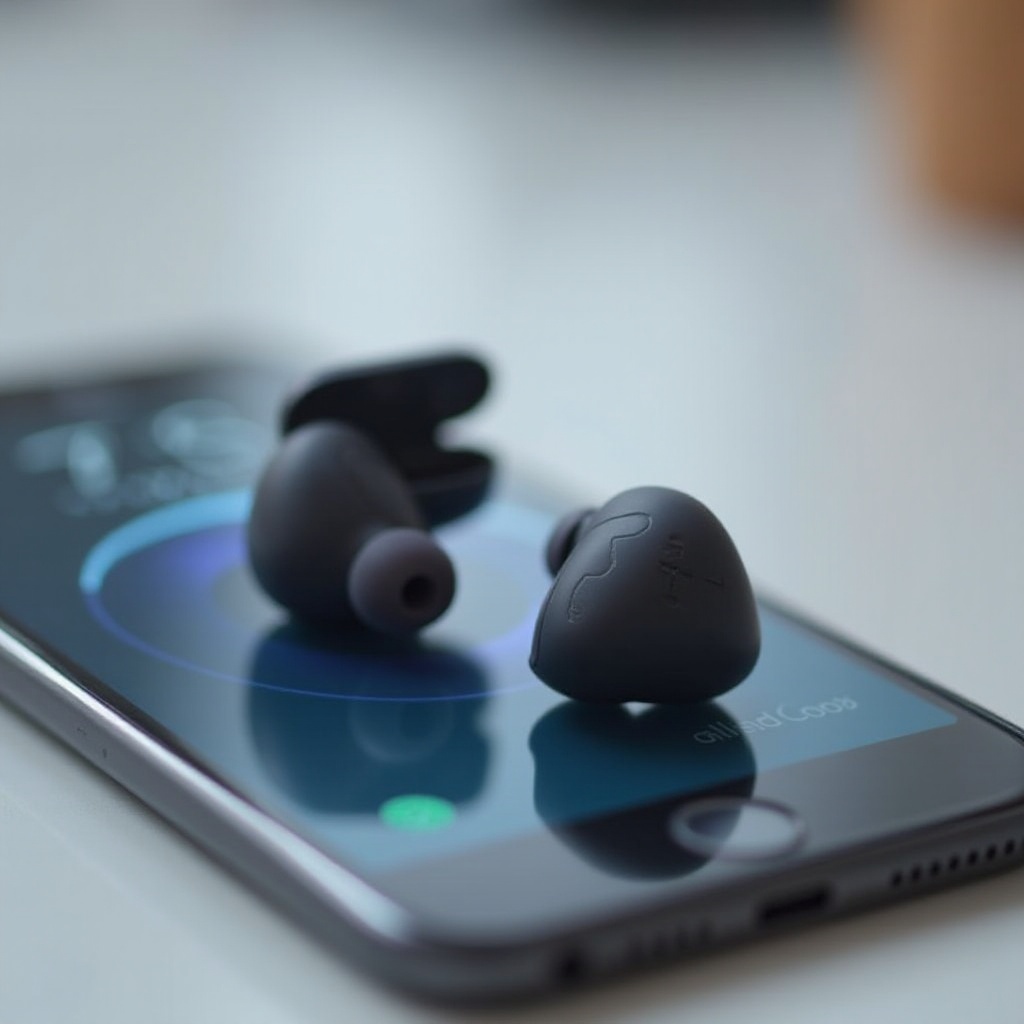
Understanding the various types of earbuds is fundamental to syncing them properly, as each type demands a slightly distinct approach.
Wireless vs. Wired Earbuds
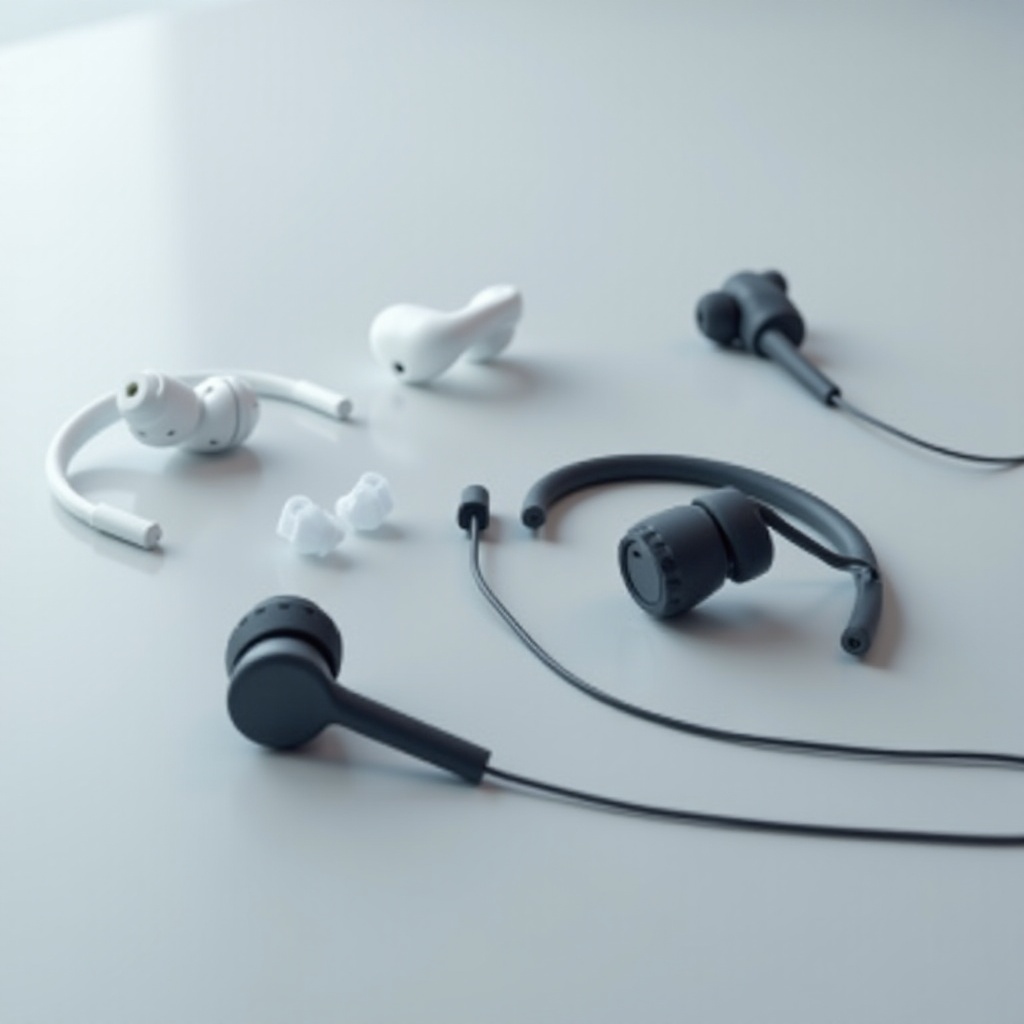
Wireless earbuds are popular for their freedom from cables, connecting through Bluetooth to provide mobility. Wired options, on the other hand, generally connect directly via a cable, ensuring fewer sync issues but limiting user movement.
True Wireless Stereo (TWS) Earbuds
True Wireless Stereo (TWS) earbuds are completely wire-free, even between the two buds. This type calls for precise pairing of each unit with your device to deliver a unified audio experience.
Transitioning from the understanding of earbud types to syncing prepares you to tackle synchronization smoothly.
Preparing for Synchronization
Proper preparation forms the backbone of effective earbud synchronization. By ensuring readiness, syncing becomes a streamlined process.
Initial Setup and Configuration
Charge your earbuds fully before initiating the sync. Consult the manufacturer’s guide for specific startup instructions that may vary between brands.
Checking Compatibility and Requirements
Make sure your device supports Bluetooth or other required connection protocols. Verify that your device’s software is current to fully accommodate earbud functions.
With preparations complete, you’re ready to dive into the actual synchronization of your earbuds with your devices.
Step-by-Step Guide to Synchronizing Earbuds
With everything set, move forward to synchronizing your earbuds. Processes may vary depending on the type.
Synchronizing Bluetooth Wireless Earbuds
- Activate Bluetooth on your device and make it discoverable.
- Place earbuds in pairing mode, typically by pressing the power or pairing button until a light blinks.
- Locate your earbuds in the available devices list on your smartphone or computer.
Steps for True Wireless Earbuds
- Take both earbuds from the charging case simultaneously.
- Initiate pairing mode on the dominant earbud, generally the right.
- Follow manufacturer instructions to pair the secondary earbud.
- Check that both earbuds are shown as connected on your device.
Handling Multi-Device Connections
- Disconnect current devices and reset the pairing settings.
- Use sync steps to connect each new device.
- Utilize manufacturer apps if available for easier device switching.
Having gone through the synchronization steps, it’s essential to understand how to troubleshoot should issues arise.
Troubleshooting Common Sync Issues
Even with correct procedures, problems might surface. Knowing how to troubleshoot will keep your earbuds working correctly.
Connection Dropping
- Ensure earbuds and your device stay close to maintain a robust Bluetooth connection.
- Reset the earbuds and initiate a fresh pairing.
Addressing Audio-Video Lag
- Inspect for interference from other electronics.
- Update Bluetooth drivers and earbud firmware as necessary.
- Modify settings to prioritize audio quality over latency if feasible.
To facilitate an ongoing seamless experience, consider integrating some advanced practices into your routine.
Advanced Tips for Seamless Earbud Performance
Prevent frequent issues from happening and keep performance at its peak with advanced tips.
Regular Firmware Updates
Consistently update your earbuds’ firmware using the manufacturer’s app, which resolves bugs and boosts performance.
Environmental Factors to Consider
Try to avoid usage in high wireless traffic areas, as they may interfere with signal quality. Consider using accessories that enhance signal strength when necessary.
Conclusion
Mastering the art of earbud synchronization promises a harmonious and uninterrupted audio experience. Employ these strategies, troubleshoot confidently when issues arise, and apply these tips to sustain your earbuds as reliable audio partners.
Frequently Asked Questions
Why won’t my earbuds sync with each other?
Misalignment during pairing can be the reason. Reset both earbuds then retry pairing as per the instructions in the user manual.
How can I update the firmware on my earbuds?
Use the manufacturer’s app or visit their website for instructions on downloading and installing updates.
Can environmental factors affect earbud synchronization?
Yes, factors like wireless interference and physical barriers can impede sync quality. Ensure a clear line between your device and earbuds.