
How to Connect Jam Speaker: A Comprehensive Guide
Introduction
Jam speakers are renowned for their portability and impressive audio quality, making them a favorite among music lovers. To fully leverage their capabilities, understanding how to establish a connection with various devices is crucial. This guide provides clear, step-by-step instructions for connecting your Jam speaker, whether you’re using Bluetooth, an AUX cable, or exploring alternative methods. Dive in to ensure a smooth and rewarding audio experience.
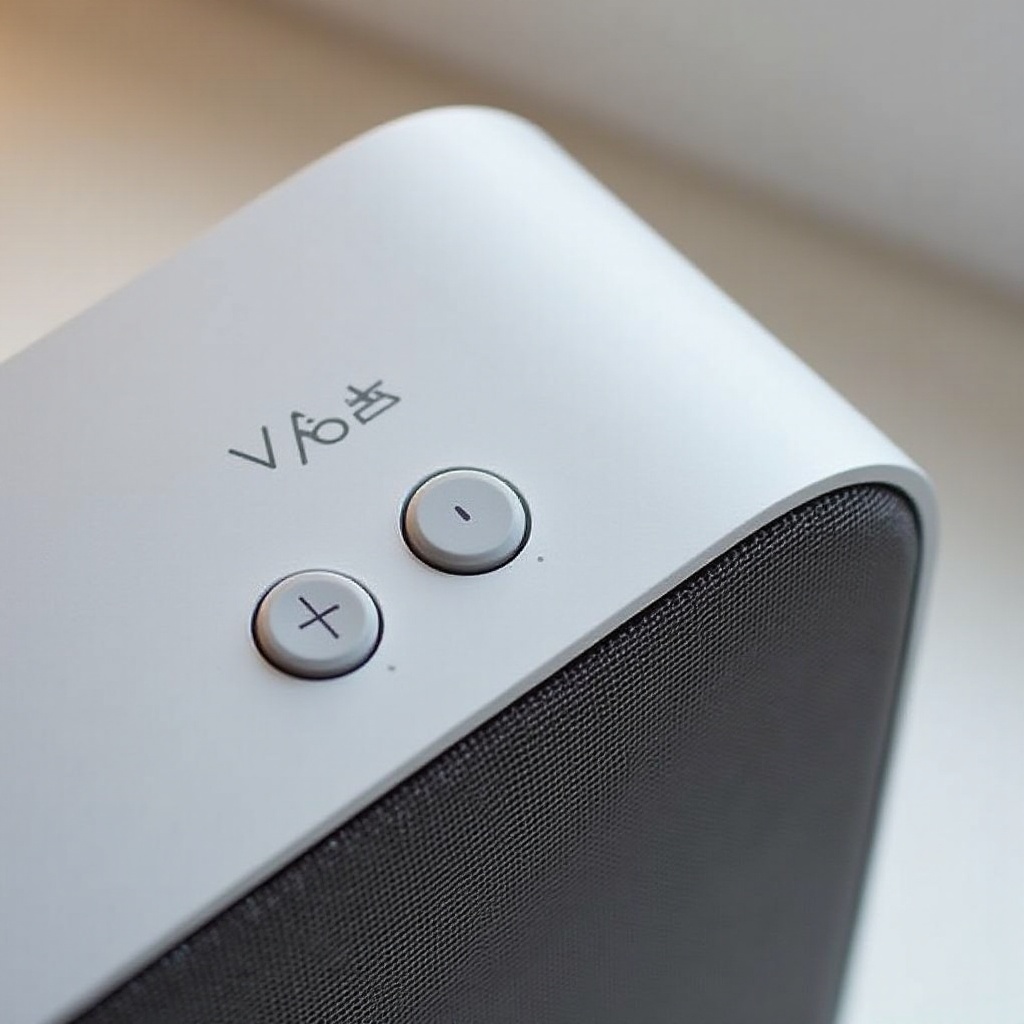
Understanding Jam Speakers
The key to a successful connection starts with understanding your Jam speaker model. Jam offers a range of speakers, each featuring unique specifications but with common connectivity options.
-
Overview of Jam Speaker Models: Jam speakers, such as the Jam Classic, Jam Plus, and Jam Chill Out, each bring their own flair in terms of battery life, sound delivery, and connectivity solutions.
-
Key Features and Specifications: Most Jam speakers are equipped with Bluetooth functionality, an auxiliary port, and a rechargeable battery. Familiarity with these features will enhance your ability to connect and maximize use.
Recognizing these specifications will pave the way for preparing your device for connection, ensuring a seamless setup process.
Preparation for Connection
Before you connect, it’s worth conducting pre-connection preparations to avoid common hiccups during the setup.
-
Device Compatibility Checks: Verify that your playback device (be it a smartphone, tablet, or laptop) supports Bluetooth or has an AUX output if you plan to use a wired connection.
-
Ensuring Devices Are Charged: Both your Jam speaker and the connecting device should be fully charged. A well-powered device prevents disruption during the connection.
With your devices prepared, let’s delve into the most popular connection method: Bluetooth.
Connecting to Jam Speaker via Bluetooth
Bluetooth offers the ease of wireless connectivity, preferred by many for its convenience. Here are the steps to connect:
-
Activating Bluetooth on Your Device: Enable Bluetooth on your device’s settings to allow it to search for nearby Bluetooth-enabled instruments.
-
Pairing Your Device with Jam Speaker: Turn on your Jam speaker. Usually, the speaker enters pairing mode automatically. On your device, locate and select your Jam speaker from the discovered devices.
-
Completing the Connection: Once paired, you should hear a confirmation sound from your speaker. Play some audio to test that the connection has been established successfully.
If the Bluetooth setup is proving difficult, the following troubleshooting tips could help resolve common issues encountered.
Troubleshooting Bluetooth Connection Issues
Despite its advantages, Bluetooth connections can sometimes falter. Here are methods to address common connectivity issues:
-
Resolving Common Pairing Problems: If your device does not detect the speaker immediately, try toggling Bluetooth off and on, or restarting your speaker to restart the pairing process.
-
Reset and Reconnect Techniques: Resetting your speaker using the reset button (if available) or powering off for a few minutes can often resolve issues, enabling a fresh pairing process.
Should Bluetooth not meet your needs, connecting via an auxiliary cable is a robust alternative.
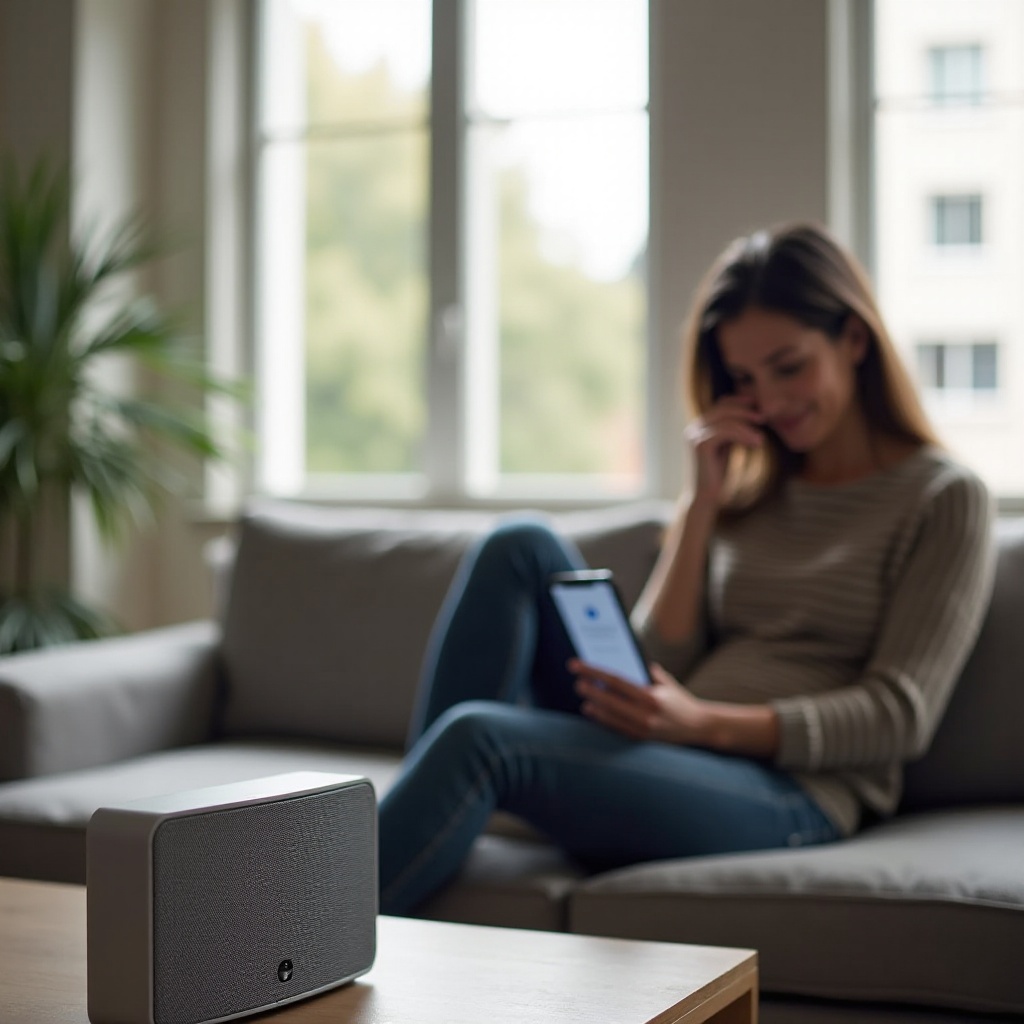
Alternative Connection Methods
Using an AUX cable guarantees a stable connection, ideal when Bluetooth is unavailable or unreliable.
-
Using an AUX Cable: Connect one end of an AUX cable to your device’s headphone jack and the other to the Jam speaker’s AUX input for a reliable, wired connection.
-
NFC Connection (If Available): For some Jam models that support NFC, simply tap your NFC-capable device to the speaker for an instant connection.
Enhancing your audio experience extends beyond just connecting. Here’s how to optimize your sound settings and maintain stability.
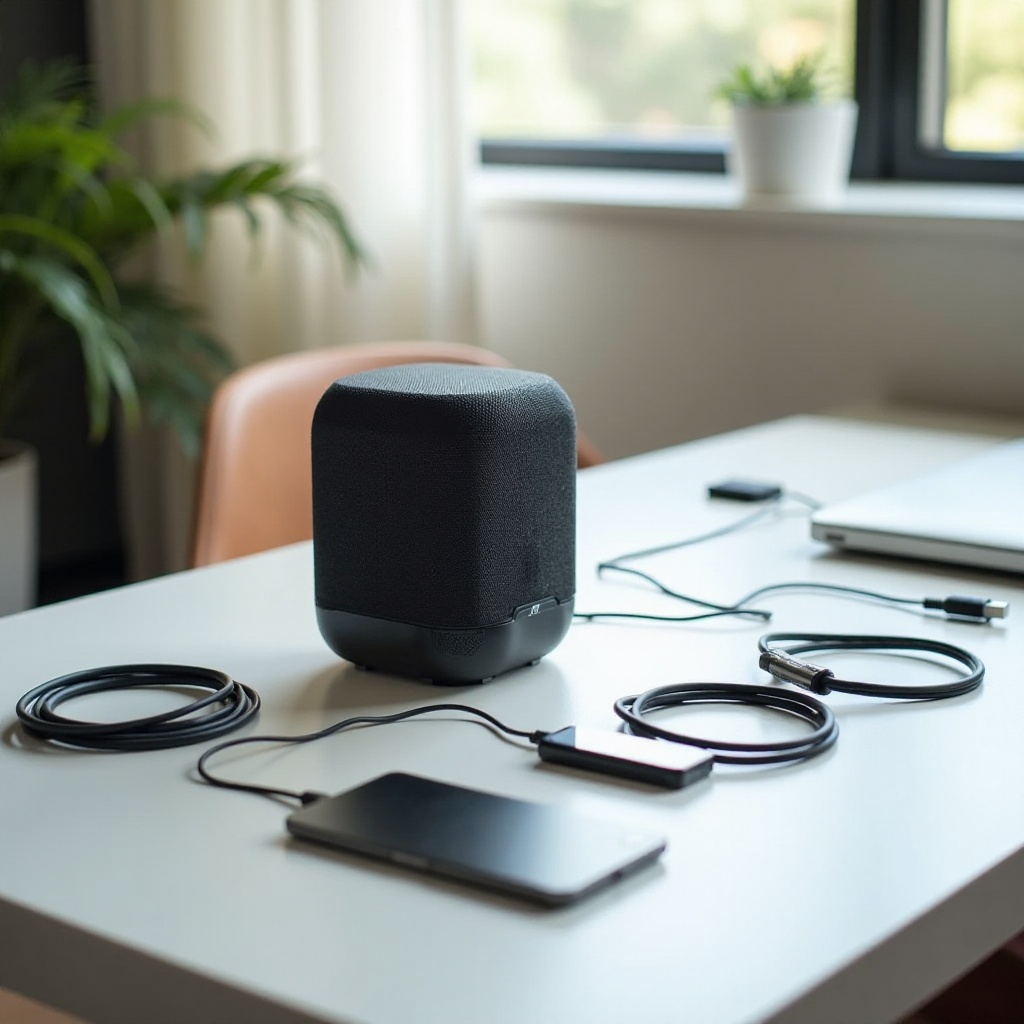
Enhancing Your Audio Experience
To make the most of your Jam speaker, consider these tips for optimal audio performance:
-
Adjusting Sound Settings: Tweak bass, treble, and equalizer settings on your device to fine-tune audio based on your preferences and musical genres.
-
Maintaining Connection Stability: Ensure a clear line of sight for Bluetooth connections, avoiding physical barriers and maintaining proximity within Bluetooth’s effective range.
These enhancements will ensure your Jam speaker delivers superior sound quality, elevating your listening experience.
Conclusion
Understanding how to connect your Jam speaker effectively unleashes the full potential of your audio device, providing you with unparalleled listening pleasure. With various connection options like Bluetooth, AUX, and NFC (if available), you can enjoy your favorite music effortlessly. Keep your devices charged, address connectivity issues promptly, and refine your audio settings to get the most out of your Jam speaker.
Frequently Asked Questions
What should I do if my Jam speaker won’t connect via Bluetooth?
Ensure Bluetooth is enabled on both devices, restart the connection process, or try resetting your speaker.
Can I connect multiple devices to my Jam speaker at once?
Jam speakers typically connect to one device at a time, but you can switch between devices by disconnecting and reconnecting.
How can I improve the sound quality of my Jam speaker?
Adjust sound settings on your device for better audio output and ensure your speaker is placed in a location with minimal obstructions.