
How to Clean Samsung Charger Port: A Comprehensive Guide
Cleaning the charger port of your Samsung device is crucial to ensure it remains in optimal working condition. Dust, dirt, and debris can accumulate over time, leading to charging issues or even damage. Additionally, a clean charger port enhances the phone’s charging efficiency, keeping it in good health for longer. This guide will show you how to clean your charger port safely and why it’s essential.
Understanding the Importance of a Clean Charger Port
Keeping your Samsung charger port clean ensures that your device charges effectively. A blocked or dirty port can cause intermittent charging or, worse, fail to charge entirely. Regular maintenance of the port can prevent these frustrations, ensuring that your phone is always ready when you need it.
Moreover, a clean charging port also contributes to the overall durability of the phone. It helps prevent the wear and tear that happens with trying to connect chargers into a blocked port. With a clean port, you can keep your Samsung device operating efficiently without unnecessary visits to the repair shop. Now that we’ve clarified the importance of this task, let’s gather the required tools for cleaning.
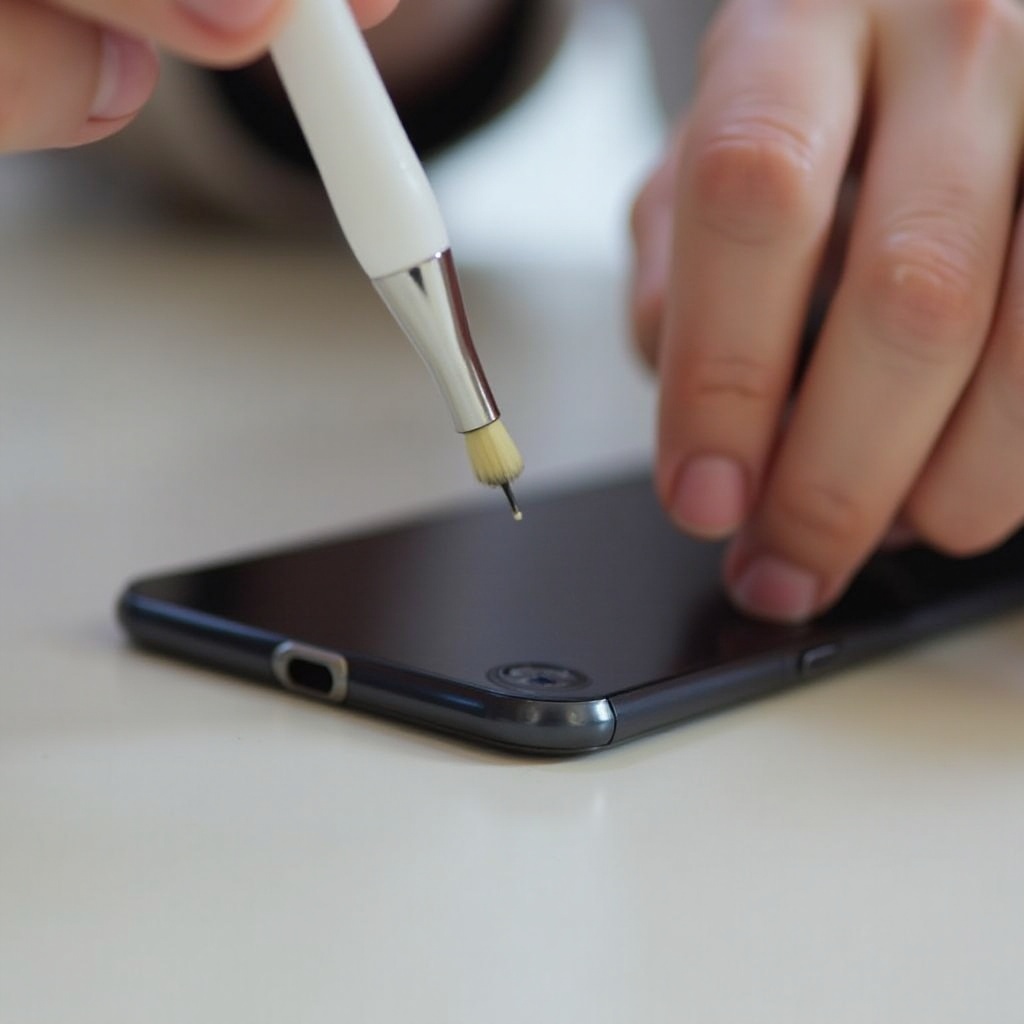
Tools You’ll Need for Cleaning
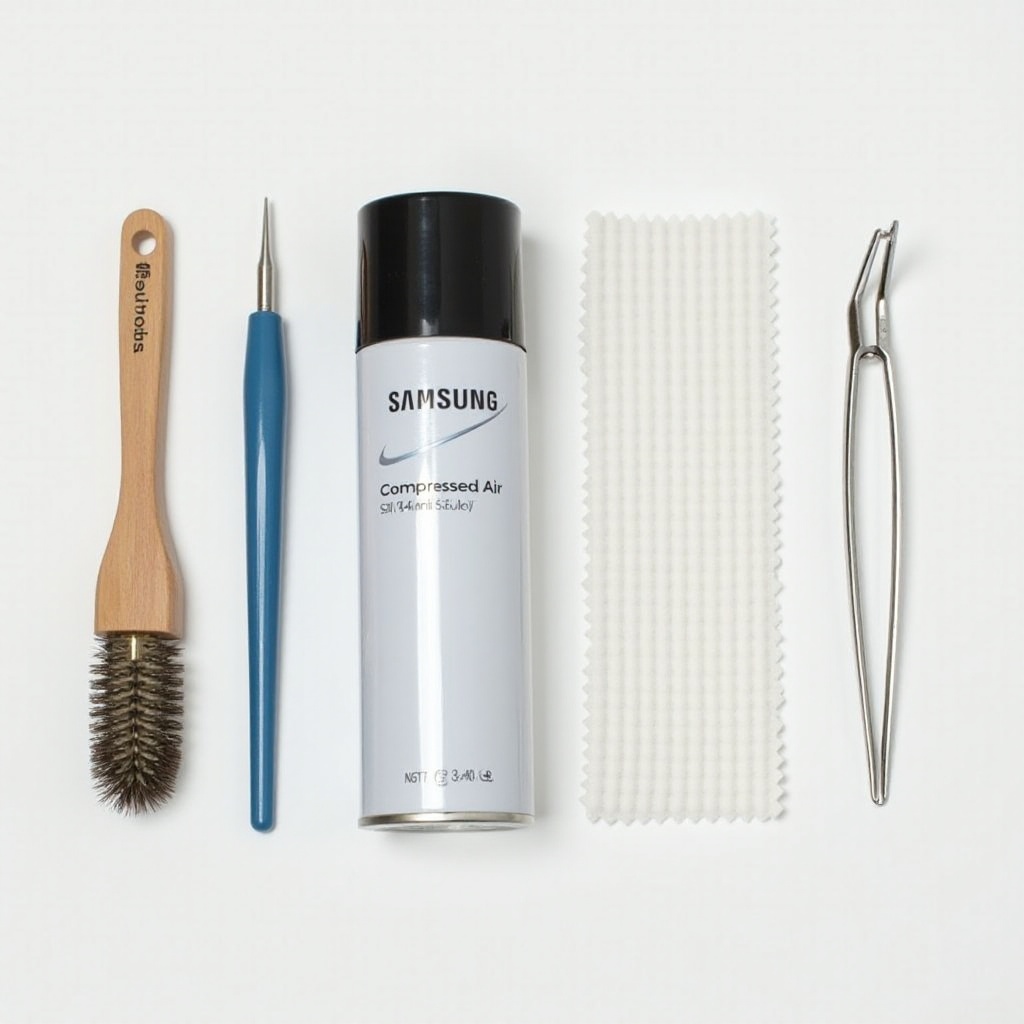
Before starting the cleaning process, ensure you have the necessary tools ready. You’ll need:
- A can of compressed air
- A soft-bristle brush or unused toothbrush
- A wooden or plastic toothpick
- A soft, lint-free cloth
Avoid using sharp metal objects as they can damage the port’s delicate connectors. Also, refrain from using liquid cleaners. Equipped with these tools, let’s prepare your phone for the cleaning process.
Preparing Your Samsung Phone for Cleaning
To start, you’ll want to ensure the device is fully powered off to prevent any electrical mishaps. Inspect the port by using a flashlight; this can help you see any clogging or debris inside the port.
Next, work in a well-lit and spacious area. This will make it easier for you to see what you are doing, avoiding accidents or mishaps during the process. Now, with preparation complete, we move on to the actual cleaning process.
Step-by-Step Guide to Cleaning Your Samsung Charger Port
- Power Off and Inspect the Device
-
Ensure your Samsung phone is turned off completely before you begin. Illuminate the port with a flashlight to identify any visible debris or blockage.
-
Use Compressed Air to Remove Debris
-
Hold the canister upright and spray short, controlled bursts of air into the charger port. Keep the canister at a moderate distance to prevent moisture accumulation.
-
Gently Use a Soft Brush for Stubborn Dirt
-
If some dirt remains, gently use a soft-bristle brush to remove it. Do this gently to avoid damaging the port’s pins.
-
Carefully Use a Wooden Toothpick
-
For stubborn bits of dirt that won’t move, use a wooden or plastic toothpick. Be gentle and cautious to prevent damage.
-
Final Inspection and Testing
- Inspect the port to ensure it’s clear before turning your device back on. Connect the charger to verify if the problem is resolved.
Having achieved a clean charger port, it’s crucial to note common mistakes to avoid damaging your device in the future.
Common Mistakes to Avoid
While cleaning your charger port, avoid using sharp metal objects as this may cause irreversible damage. Additionally, do not use liquids during the cleaning process; liquids can lead to corrosion and further issues down the line. Finally, avoid overusing compressed air, as moisture build-up inside the port can become an issue. Knowing what not to do is just as important as knowing what to do, which leads us to maintaining your Samsung charger port.
Maintaining a Clean Charger Port
To keep your charger port clean and functioning properly:
- Regularly inspect and clean the port every couple of months or as needed.
- Avoid exposing your phone to lint-prone environments.
- Use a phone case that protects the charger port from debris.
By integrating these simple maintenance practices into your routine, you can prolong the life of your phone and ensure it remains in top condition.
When to Seek Professional Help
In some cases, you may find that DIY cleaning does not solve persistent charging issues. If you notice visible damage or your phone continues to charge intermittently, it might be time to seek professional help. A certified technician can assess and resolve any deeper issues affecting the charging port, ensuring your phone returns to optimal functionality.
Conclusion
A clean charger port is necessary for the seamless functionality of your Samsung device. Following the steps and precautions outlined in this guide will ensure your device charges efficiently and lasts for years to come. Consistent care and maintenance are the keys to a device that remains as functional as the day you bought it.
Frequently Asked Questions
How often should I clean my Samsung charger port?
You should clean your Samsung charger port every few months or as needed when you notice debris accumulation.
Is it safe to use liquids while cleaning the charger port?
No, using liquids can cause corrosion and damage the internal components of your Samsung device.
What should I do if my phone still doesn’t charge after cleaning?
If your phone doesn’t charge after cleaning, check for visible damage and consider seeking professional repair services.