
Understanding and Fixing the Green Horizontal Line on Your Laptop Screen
Introduction
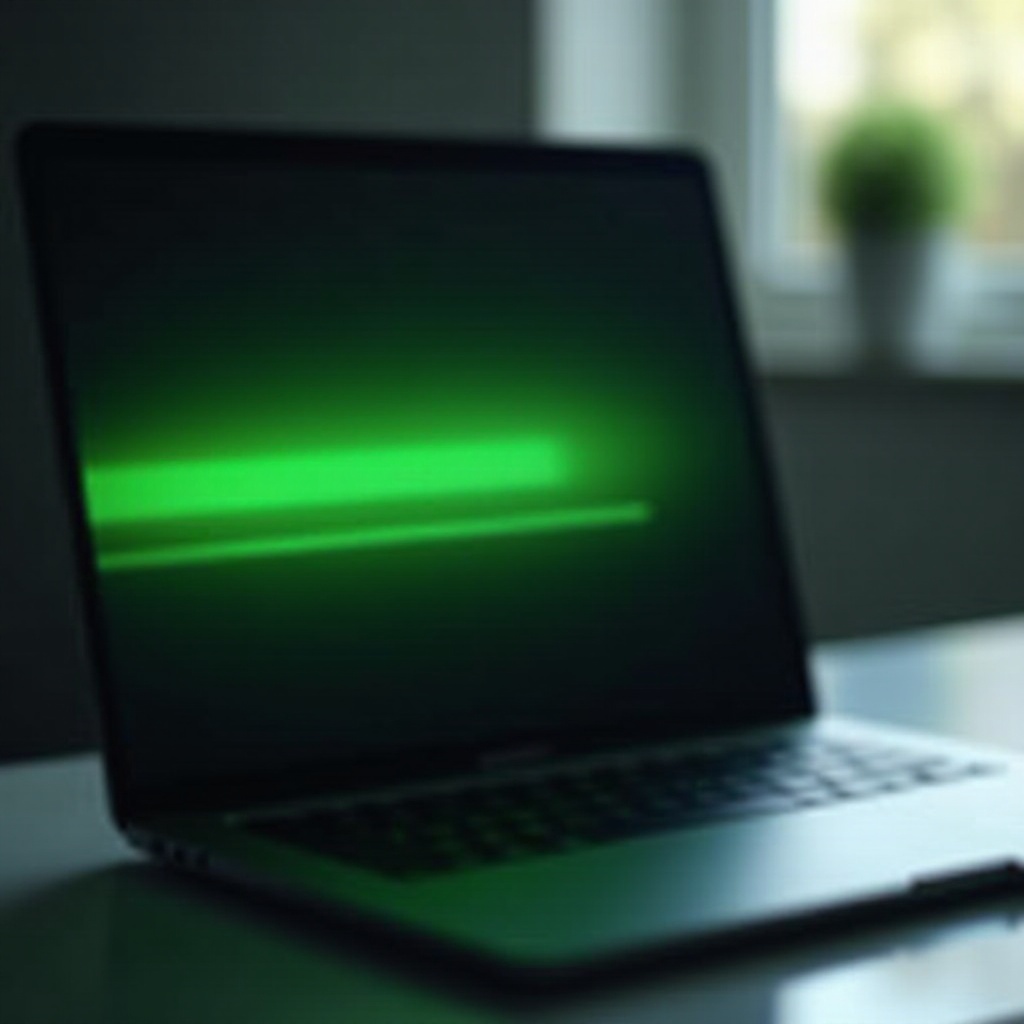
A persistent green horizontal line across your laptop screen can be both frustrating and disruptive to your daily activities. Identifying whether the cause is rooted in software glitches or hardware malfunctions is essential for finding an effective solution. This comprehensive guide walks you through possible causes, troubleshooting steps, and when it might be time to seek professional repair.

What Causes the Green Horizontal Line on Laptop Screens?
Experiencing a green horizontal line can be puzzling, and knowing the root causes can help in resolving the issue effectively.
-
Software-Related Causes: Outdated or corrupt graphics drivers are common culprits. Additionally, changes from recent software installations or updates may inadvertently alter display settings.
-
Hardware-Related Causes: Sometimes, physical damage or loose internal connections, such as display cables, can result in screen anomalies over time, especially from accidental impacts or natural wear.
Armed with this knowledge, you can proceed to the troubleshooting steps that can help address these issues effectively.
Step-by-Step Troubleshooting Guide
Prior to seeking professional assistance, explore these step-by-step troubleshooting methods:
- Basic Troubleshooting Steps:
- Restarting the laptop often resolves temporary glitches and should be the first course of action.
-
Test by gently pressing down on the laptop bezel, checking for changes as some contact issues may be causing the anomaly.
-
Advanced Software Solutions:
- Roll back any updates you’ve recently made that might have introduced errors affecting your display.
-
Visit your graphics card manufacturer’s website to download and install the latest driver updates to eliminate bugs.
-
Inspecting Hardware Components:
- Connect your laptop to an external monitor; if the line does not appear here, the issue may be isolated to the laptop’s display.
- If comfortable, open the laptop to check if display cables are securely attached.
Each stage of this guide gets you closer to pinpointing and resolving the issue.
Software Solutions to Fix the Green Line Issue
When software issues are at the core of the problem, these solutions might restore your laptop’s functionality:
- Updating Your Graphics Drivers: Regularly update your laptop’s graphics drivers from the official website to fix any bugs or compatibility issues.
- Using System Restore: Use the System Restore feature on Windows to revert your laptop’s settings to a time before the line appeared, thus undoing recent changes that led to the problem.
- Running a Clean Boot: Perform a clean boot to reduce the number of startup programs, identifying potential software conflicts with system settings.
These software-oriented solutions should help clear up the display anomaly, ensuring your laptop performs optimally.
Hardware Solutions for Green Horizontal Lines
If you’ve exhausted software fixes without success, consider examining hardware components:
- Checking Cable Connections: Loose internal cables might require readjustment to ensure they are properly seated.
- Examining the LCD Screen: Look for visible damage to the screen; a compromised display might need replacement if physical damage is evident.
- Assessing Graphics Card Health: If the graphics card is faulty, dust or damage could be affecting it. Carefully clean dust or seek out diagnostic tools for hardware inspection.
Analyzing hardware components will help you determine the best course of action for persistent issues.
When to Seek Professional Repair Services
Should your attempts to fix the problem yourself prove ineffective, professional repair services may be necessary. Technicians possess the expertise and tools for a comprehensive diagnosis, particularly for taxing tasks like hardware replacement or intricate cable repairs.
Evaluate the cost-effectiveness of repair against replacing your laptop, considering age, overall performance, and potential costs.
Conclusion
Facing a green horizontal line on your laptop screen is a common issue, yet often solvable with the right approach. By methodically working through the solutions outlined in this guide, you can decide whether simple software adjustments or in-depth hardware analysis is what your machine needs. When in doubt, professional assistance remains a viable and often effective option to revive your laptop’s full capabilities.
Frequently Asked Questions
What should I do if the green line reappears after fixing?
If the line returns, check recent software updates or installations. Repeated issues might indicate deeper hardware problems needing professional inspection.
Can a faulty graphics card cause a green horizontal line on my screen?
Yes, a failing graphics card can lead to screen anomalies. Testing with an external monitor helps rule out graphical glitches as the cause.
Is it worth repairing an old laptop with this issue?
Consider repair costs, the laptop’s age, and overall performance. Sometimes replacing an aging laptop is more cost-effective than repair.