
Can an Apple Watch Connect to a Samsung Phone? Compatibility and Alternatives
Introduction
The compatibility of an Apple Watch with a Samsung phone is quite a common query among tech enthusiasts and smartwatch users. As major players in the market, both Apple and Samsung offer devices packed with rich features that appeal to their dedicated user bases. Yet, when it comes to mingling devices from these two ecosystems, several challenges emerge due to the distinct proprietary technologies each company employs. This article explores the possibility of connecting an Apple Watch to a Samsung phone while shedding light on the potential hurdles and alternatives.
Understanding the Apple Watch Ecosystem
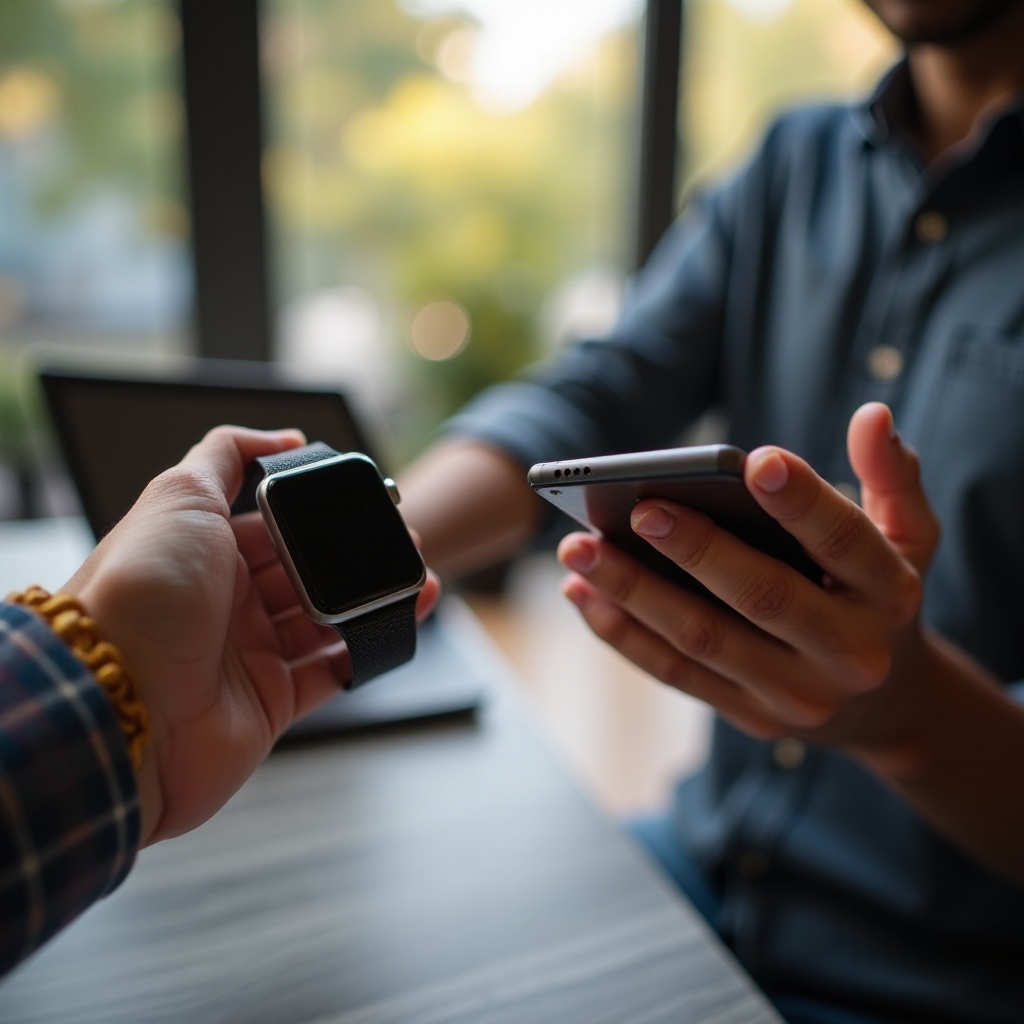
The Apple Watch is regarded as a market leader in the smartwatch domain, thanks to its extensive range of features and seamless integration with Apple’s iOS ecosystem. The watch offers benefits that include advanced health monitoring, convenient notifications, Apple Pay, and app versatility directly from a user’s wrist. These features are enhanced by their tight integration with iPhones, which acts as the watch’s central control unit.
Central to this integration is watchOS, Apple’s dedicated operating system for the Apple Watch. watchOS is crafted to work in tandem with iOS, facilitating a smooth user experience for those who own both an Apple Watch and an iPhone. Functionality such as message notifications, fitness tracking, and Siri are optimized for Apple’s environment, underscoring the value of this cohesive ecosystem.
Samsung Phones and Their Compatibility Features
Samsung, a powerhouse in the Android phone market, consistently delivers innovative and high-performing smartphones. Their devices, which function on the Android platform, support a wide range of applications, driving a rich user experience. Like Apple, Samsung has developed its ecosystem, featuring its smartwatches like the Galaxy Watch series and those running on Wear OS.
However, the cross-over between these ecosystems presents challenges. Samsung’s native smartwatches sync effortlessly with Samsung phones, offering connectivity akin to the Apple Watch within its own ecosystem. As we pivot to our core topic, these discrepancies pose significant barriers when users attempt to integrate an Apple Watch with a Samsung device.
Compatibility Challenges Between Apple Watch and Samsung Phones
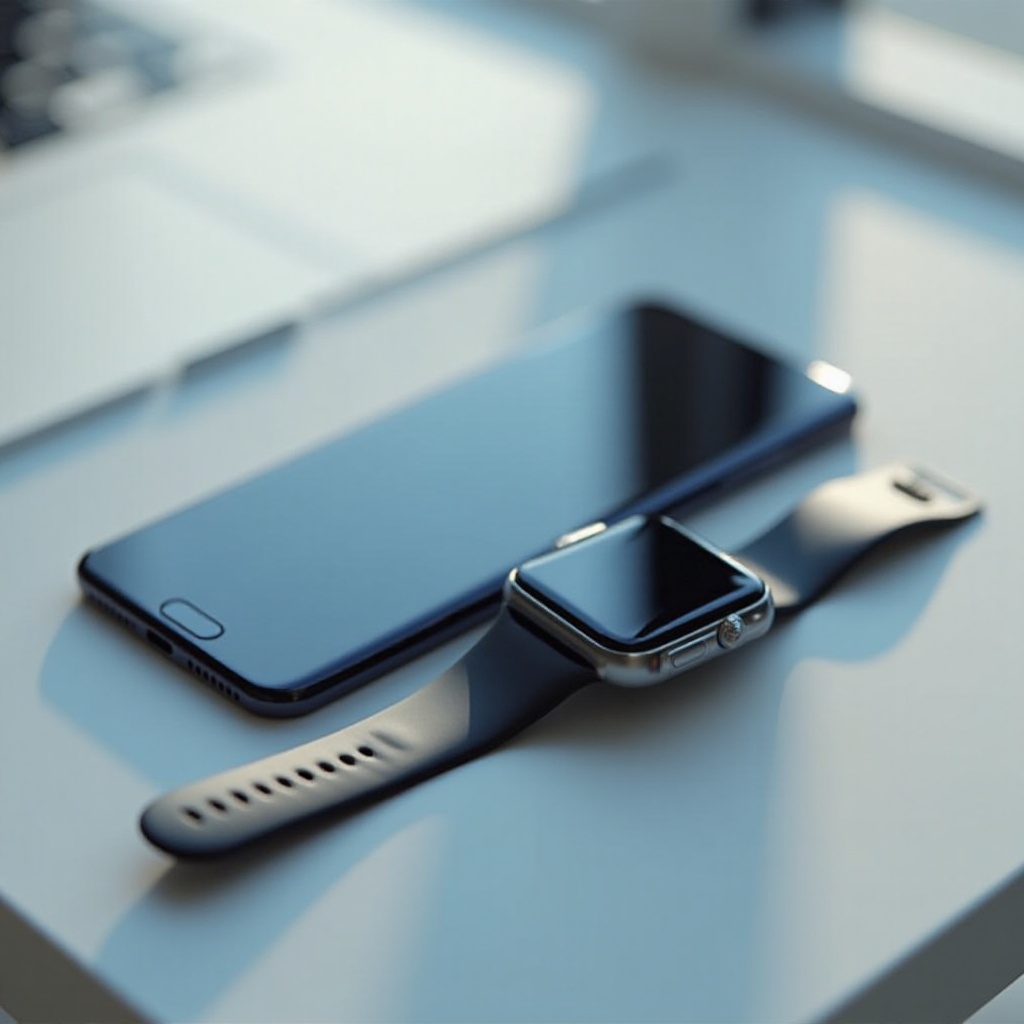
Attempting to pair an Apple Watch with a Samsung phone illuminates several compatibility issues primarily centered on differing operating systems and software protocols. The Apple Watch typically relies on a strong Bluetooth connection to an iPhone to harness features like iMessage, HealthKit sync, and Siri’s voice commands. These functionalities remain unsupported on Android platforms like Samsung.
When setting up an Apple Watch, the necessity of an iPhone becomes apparent. The watch requires an iPhone for initial configuration, syncing information, and activating features exclusive to Apple services. Without this pairing, the Apple Watch functions more as a standalone device, significantly limiting what users may achieve, particularly when interconnected features are objectively part of the appeal.
Exploring Workarounds and Alternatives
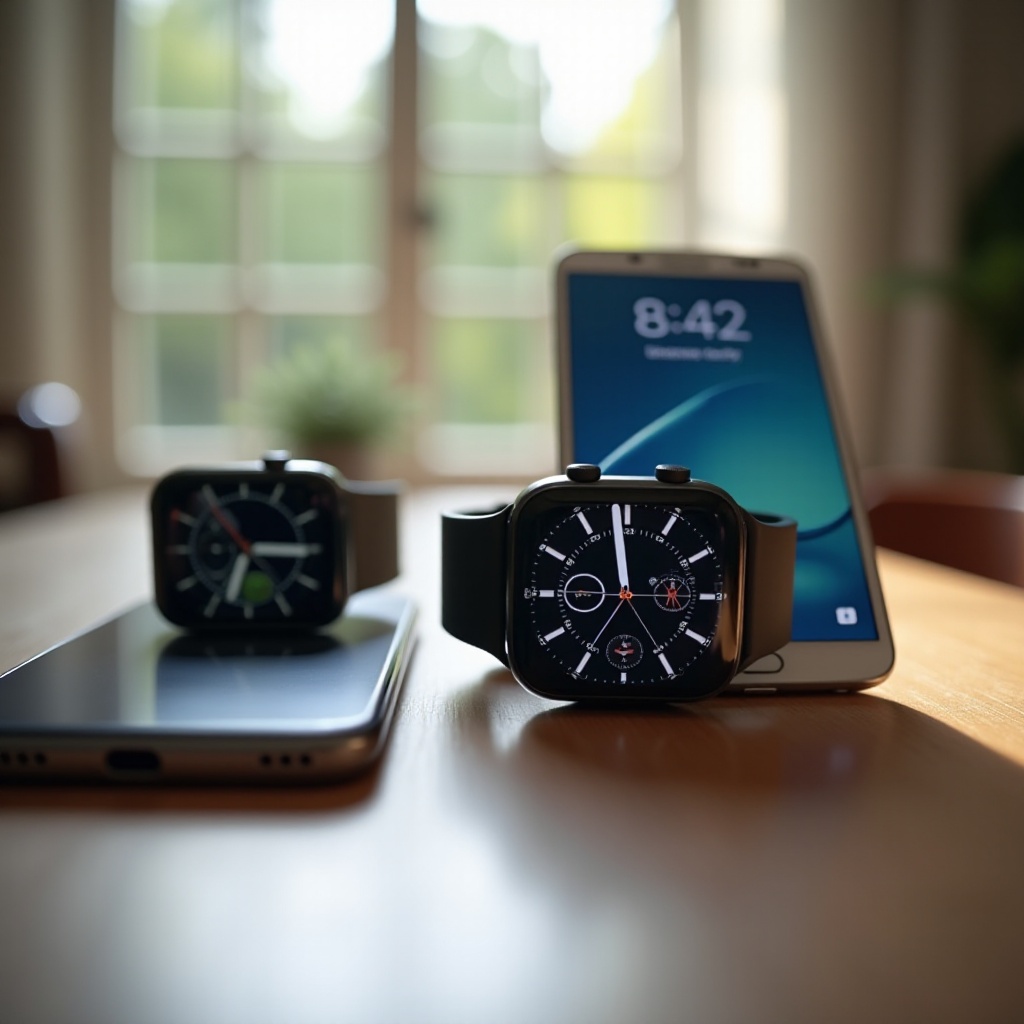
Despite these challenges, some users explore workarounds to enable a degree of connectivity between an Apple Watch and a Samsung phone. The most notable include:
- Third-Party Apps: Some Android applications claim to facilitate basic communication between an Apple Watch and an Android phone. While they may support rudimentary notifications, features exclusive to Apple, such as text syncing and watch applications, remain unavailable.
- Independent Apple Watch Usage: Once set up with an iPhone, the Apple Watch can perform basic functions independently, such as health tracking and Bluetooth-controlled music playback. However, these functions exclude any phone linkage features.
Due to these constraints, many tech users consider alternatives like Samsung’s wearables or those that operate on Wear OS. These watches deliver similar versatility and device integration when paired with Samsung phones, emulating much of what the Apple Watch does within the Apple ecosystem.
Conclusion
In sum, while technically possible in limited scopes, connecting an Apple Watch to a Samsung phone is fraught with complications, mainly due to differing systems and protocols. The Apple Watch is designed chiefly for an iOS environment, thereby performing best when used within its own ecosystem alongside an iPhone. For those seeking parallel benefits within Samsung’s domain, exploring Samsung’s Galaxy Watches or other Android-compatible devices could provide an experience better aligned with the capabilities expected by cross-platform users.
Frequently Asked Questions
Can I use an Apple Watch with any Android device?
No, an Apple Watch is primarily designed for use with an iPhone. It can operate independently for basic tasks, but full features require iOS.
What are the functionalities I miss by not using an iPhone with an Apple Watch?
Without an iPhone, you’re missing out on full integration, including iMessage, seamless app support, and Apple ecosystem features.
Are there Samsung alternatives that offer similar capabilities to the Apple Watch?
Yes, Samsung’s Galaxy Watch series and other devices running Wear OS offer comparable features and integrate smoothly with Samsung phones.